EURAL codes, R and D codes and M/C/E: how to complete the waste module

TL;DR
- You complete the waste module if your site is required to report and transfers more than 2 tonnes of hazardous or more than 2,000 tonnes of non-hazardous waste per year.
- For each waste stream you state the EURAL code, the treatment method, the R or D code, the quantity in tonnes per year and the determination method (M, C or E).
- The module has no import function: you enter every stream by hand. So prepare an overview in advance and attach it.
The waste module is the part of the e-MJV, the annual environmental report for industrial sites in the Netherlands, that takes the most time. That is not because the form is complicated, but because for each waste stream you have to supply a series of codes and data that come from different sources. In this blog we go through each field, so you know what is being asked and what to look out for.
When do you complete the waste module?
You complete the waste module if your site is required to report and exceeds one of the two waste thresholds: more than 2 tonnes of hazardous waste or more than 2,000 tonnes of non-hazardous waste per year. If you exceed either one, you report all your waste, both the hazardous and the non-hazardous part.
What counts?
- Everything that leaves your site. That includes waste from third parties that is removed via your site.
- Waste from contractors who work on your site and remove waste. This is often overlooked.
- On-site treatment, but only if you use waste as fuel, incinerate it or landfill it on your own site. You do not have to report other on-site treatment.
The EURAL code
The EURAL is the Dutch version of the European List of Waste. Every type of waste has a six-digit code, divided over twenty chapters. The first two digits indicate the origin, for example a particular industry or type of process.
An asterisk after the code means the waste is hazardous. The e-MJV derives the distinction between hazardous and non-hazardous waste from the code.
Watch out for so-called mirror entries. For some types of waste there are two codes: a hazardous and a non-hazardous variant. Which one applies depends on the composition. You then have to be able to substantiate why you choose one code or the other, for example with an analysis.
The treatment method
For each waste stream you state what happens to the waste. The e-MJV works with a number of main categories:
- reuse or recovery;
- use as fuel;
- incineration;
- landfill or discharge;
- a waste sorting facility.
For some of these you also state whether the treatment takes place on-site or off-site.
The R or D code
You also state the European treatment code. R codes stand for recovery, D codes for disposal.
- R codes (R1 to R13). For example R1: use as fuel. R3: recycling of organic substances. R4: recycling of metals. R5: recycling of other inorganic materials.
- D codes (D1 to D15). For example D1: landfill. D10: incineration on land.
If your waste collector's statement shows R12, R13 or D13 to D15, this is pre-treatment or storage. That is not yet the actual treatment. Ask your collector what happens to the waste afterwards.
A common mistake is to equate recovery with recycling. Incineration as fuel (R1) also counts as recovery. If you use the same figures for your circularity targets, keep that distinction sharp.
The quantity
You state the quantity in tonnes per year, not in kilograms, litres or cubic metres. If a stream is recorded in a different unit in your records, you convert it. Also record how you did that.
The determination method: M, C or E
For each quantity you state how you determined it:
- M (measured): usually weighed, for example on a weighbridge.
- C (calculated): derived from other data, such as the number of containers multiplied by a fixed weight.
- E (estimated): an estimate without measurement or calculation.
For measured and calculated you also state which method you used. Measuring is preferred over calculating, and calculating over estimating. Many estimated quantities are more likely to lead to questions.
Sludge
For sludge streams you also state the percentage of dry matter. You report sewage sludge per EURAL code in the waste table, just like other streams.
Export of hazardous waste
If you export hazardous waste abroad yourself, you provide additional details for each recipient:
- the name of the company that treats the waste;
- the address of that company;
- the address of the location where the waste is actually treated;
- the country.
The total of this table must match what you entered as export in the main table. This only applies if you export directly yourself, not if your waste collector does.
Below the threshold
If you stay below the threshold for a section, you tick that in the module. If on-site treatment does not apply, you state that explicitly as well. An empty field leads to a question.
No import, everything by hand
The waste module has no import function. You enter each stream line by line. So prepare an overview in advance with, for each line, the EURAL code, the treatment method, the R or D code, the quantity and the determination method. Check that the totals are correct before you copy them, and attach the same overview.
There are always questions
Even a carefully completed waste module leads to questions from the competent authority. The competent authority compares your figures per EURAL code with the data of the LMA, the Dutch national waste register. If they differ by more than 10%, you get questions, and in practice that is always the case. So make sure you can substantiate every figure with the document it comes from. Read more in Why your LMA data does not match your own waste data.
How geoFluxus helps
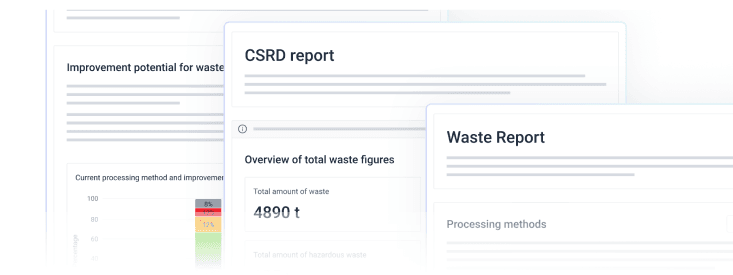
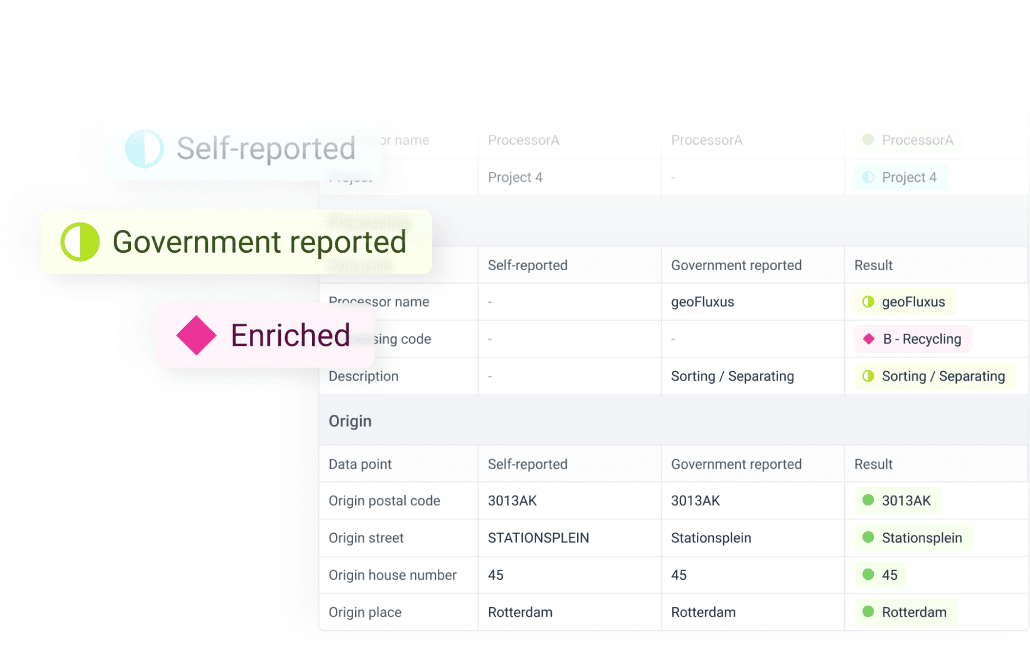
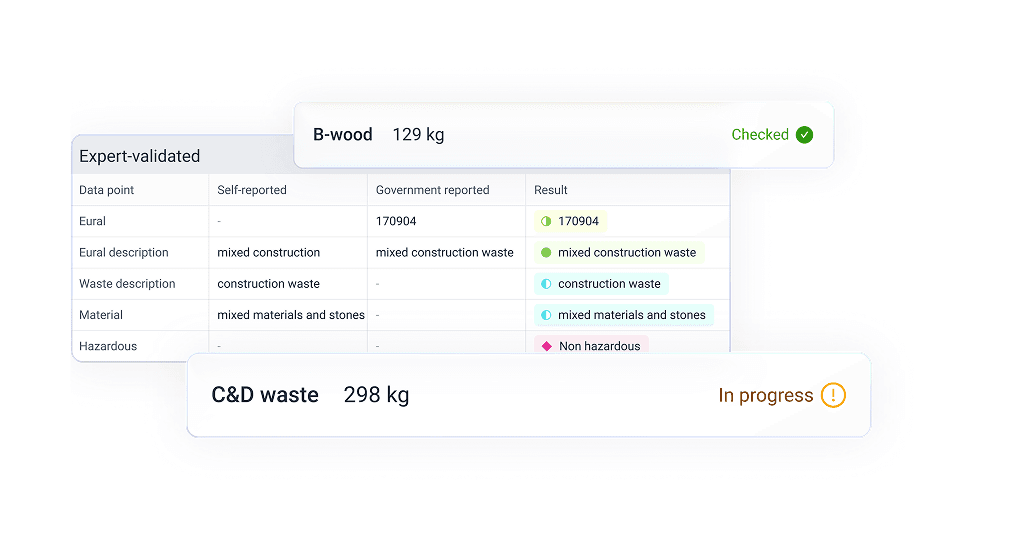
With geoFluxus you only supply your invoices, weighbridge tickets and waste transport notes. Our algorithms link each stream to the correct EURAL code, treatment method and R or D code, and waste experts validate every data point. You receive the waste report per site in exactly the format of the waste module, with the supporting evidence. All that is left for your team is copying the figures.
In conclusion
The waste module asks for a lot of detail, but it is manageable once you know what each field means. You can also read how geoFluxus delivers the waste report.